
How to Set Up Home Screen Widgets: Maximize Habit Tracking
Learn how to configure home screen widgets to see your habits at a glance. Keep your daily routines visible throughout the day, stay motivated, and never miss tracking your progress.

Home Screen widgets bring your habit tracker into your daily workflow by keeping your habits visible directly on your iPhone Home Screen. Instead of relying on memory or opening the app intentionally, your habits stay present as part of your normal phone usage.
By placing habit information alongside your apps, Home Screen widgets help reinforce consistency throughout the day. Seeing your progress regularly can act as a gentle reminder, making habit tracking feel more integrated, natural, and easy to maintain over time.
What You Need Before Getting Started
To use Home Screen widgets in our habit tracker, you first need to download and install the app from the App Store. Home Screen widgets are available to all users and are designed to help you stay consistent by keeping your habits visible every day. Once the app is installed, you can add and customize Home Screen widgets in just a few simple steps.
How To Add a Home Screen Widget
Follow these steps to add a habit tracker widget to your Home Screen:
- Touch and hold anywhere on your Home Screen until the apps start to jiggle.
- Tap the + button in the top-left corner.
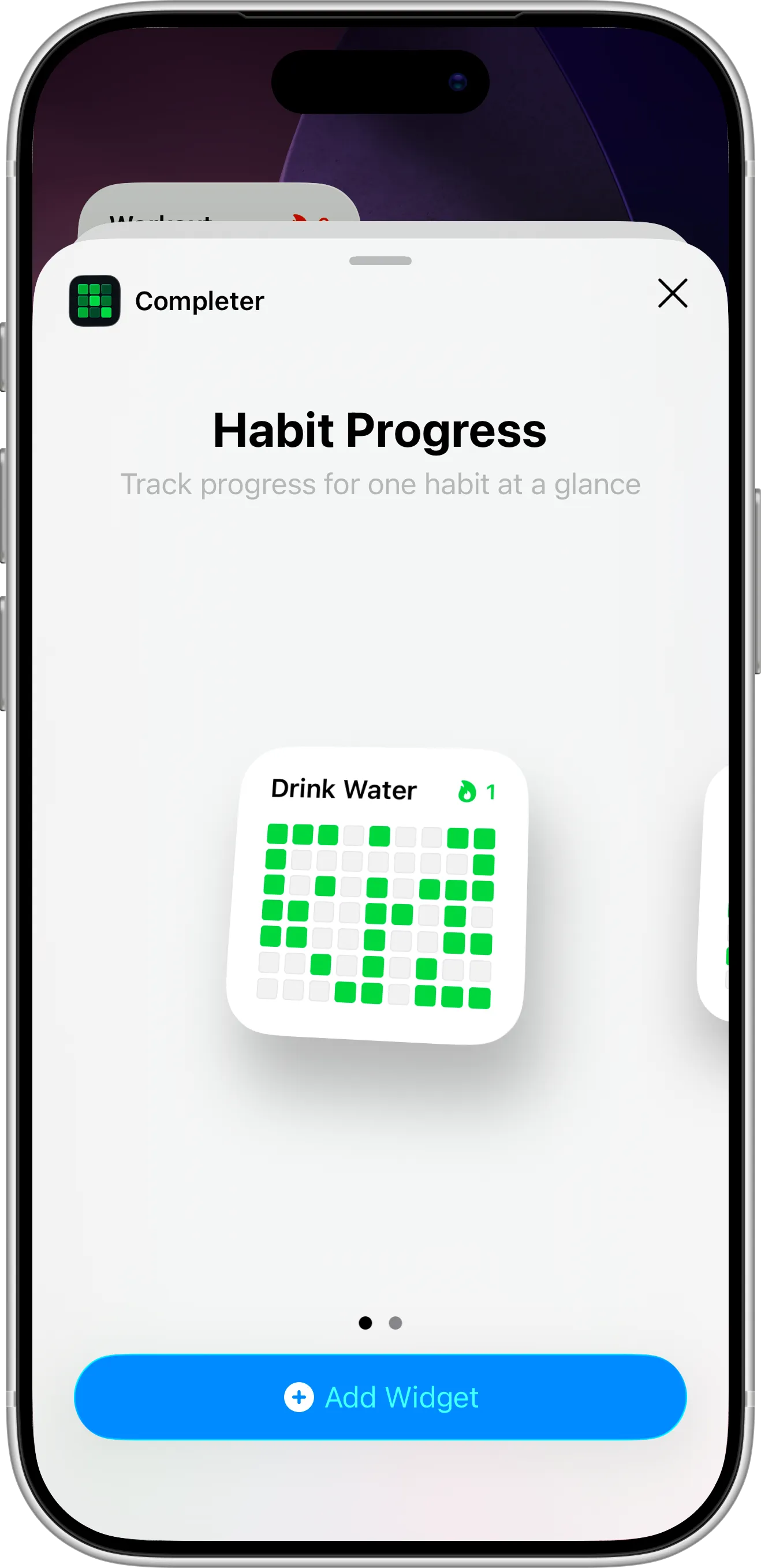
- Search for the Completer habit tracker in the widget list.
- Choose a widget size and tap Add Widget.
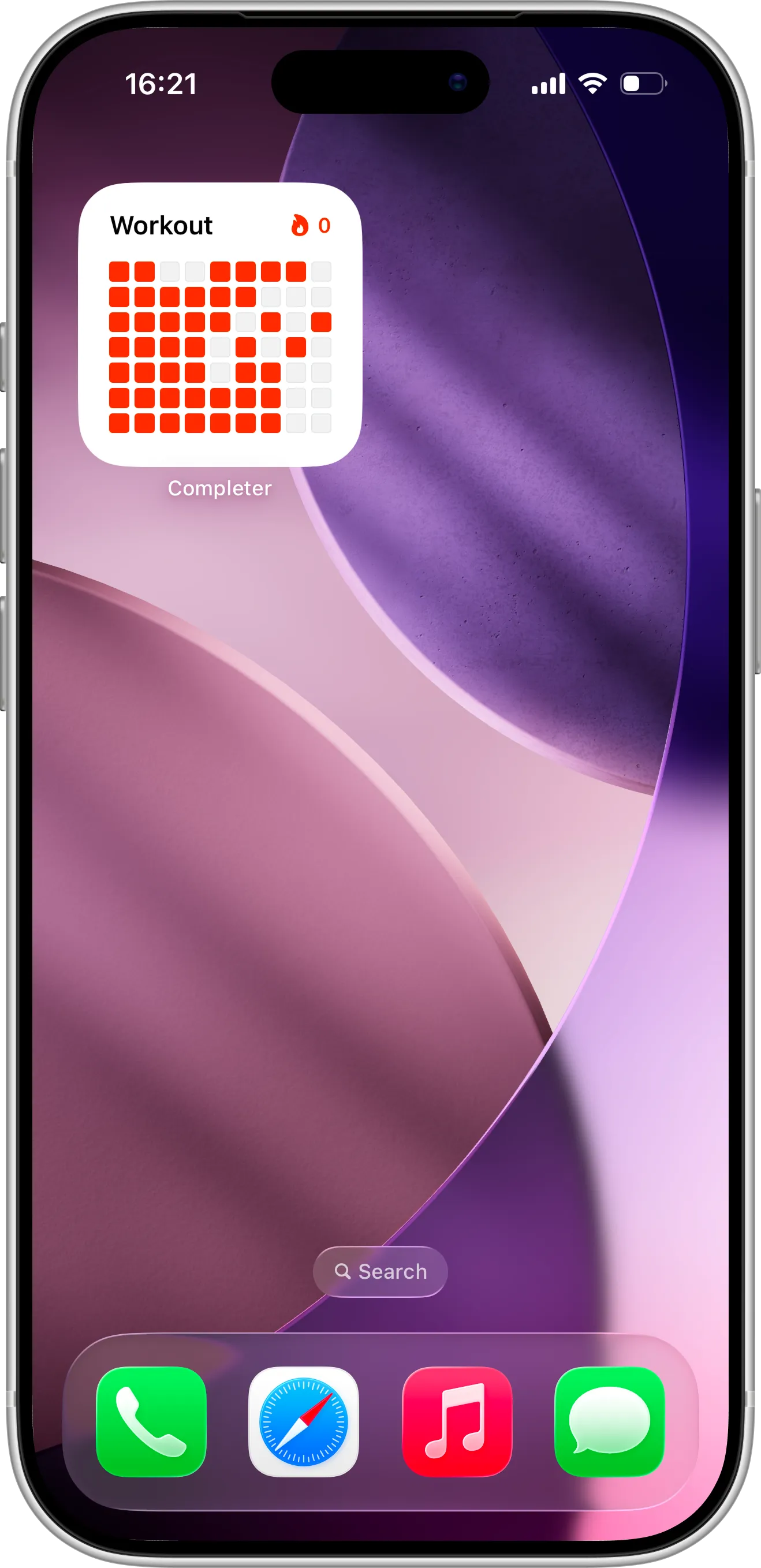
- Position the widget where you want it on your Home Screen.
- Tap Done to save your layout.
How To Configure the Widget
When you add a Home Screen widget, it won’t track a habit automatically. You’ll need to configure it:
- Touch and hold the widget on your Home Screen.
- Tap Edit Widget.
- Select the habit you want to track.
- Confirm your selection.
Once configured, the widget will display up-to-date progress for the selected habit and update as you complete it.
Tips for Using Home Screen Widgets Effectively
For best results, place your Home Screen widget on a screen you visit frequently, such as your main Home Screen. Choosing a habit that benefits from regular visual reminders can help reinforce consistency and make tracking feel effortless throughout the day.
Home Screen widgets work especially well when paired with reminders and regular check-ins inside the app. Keeping habits visible alongside daily apps helps reduce friction, maintain focus, and build routines that last over time.
Need Help or Have Feedback?
If you run into any issues, want to suggest improvements, or have questions about widgets, you can always reach out through the contact page. Your feedback helps improve the habit tracker experience for everyone.